Best For
Sole traders, small business owners, and anyone tracking business receipts in Australia.
PrivaReceipt
Use PrivaReceipt for receipt capture and export with no required signup. Your data stays on your device unless you choose to enable optional integrations.
Sole traders, small business owners, and anyone tracking business receipts in Australia.
No-account start, user-controlled data sharing, and budget-friendly pricing.
Real iPhone screenshots from the current build.
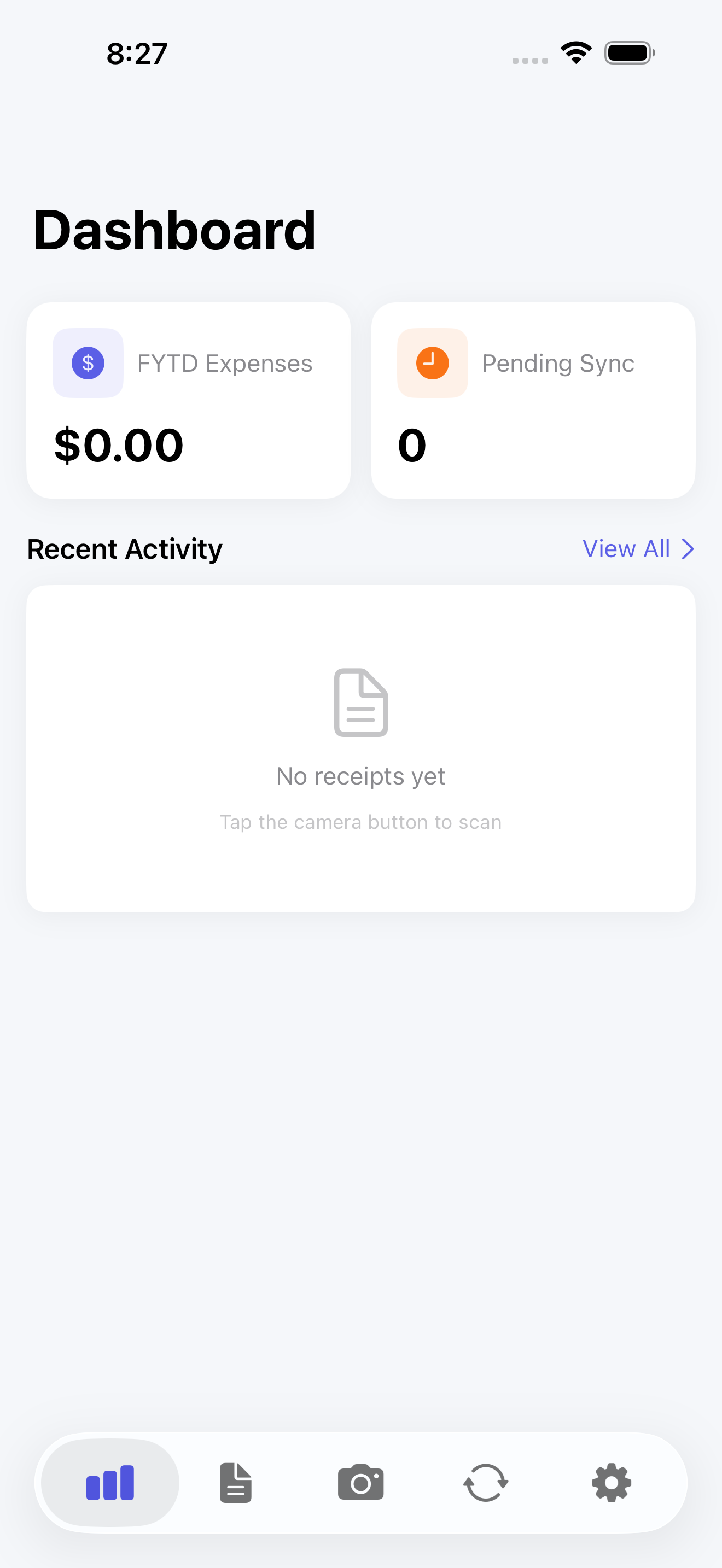
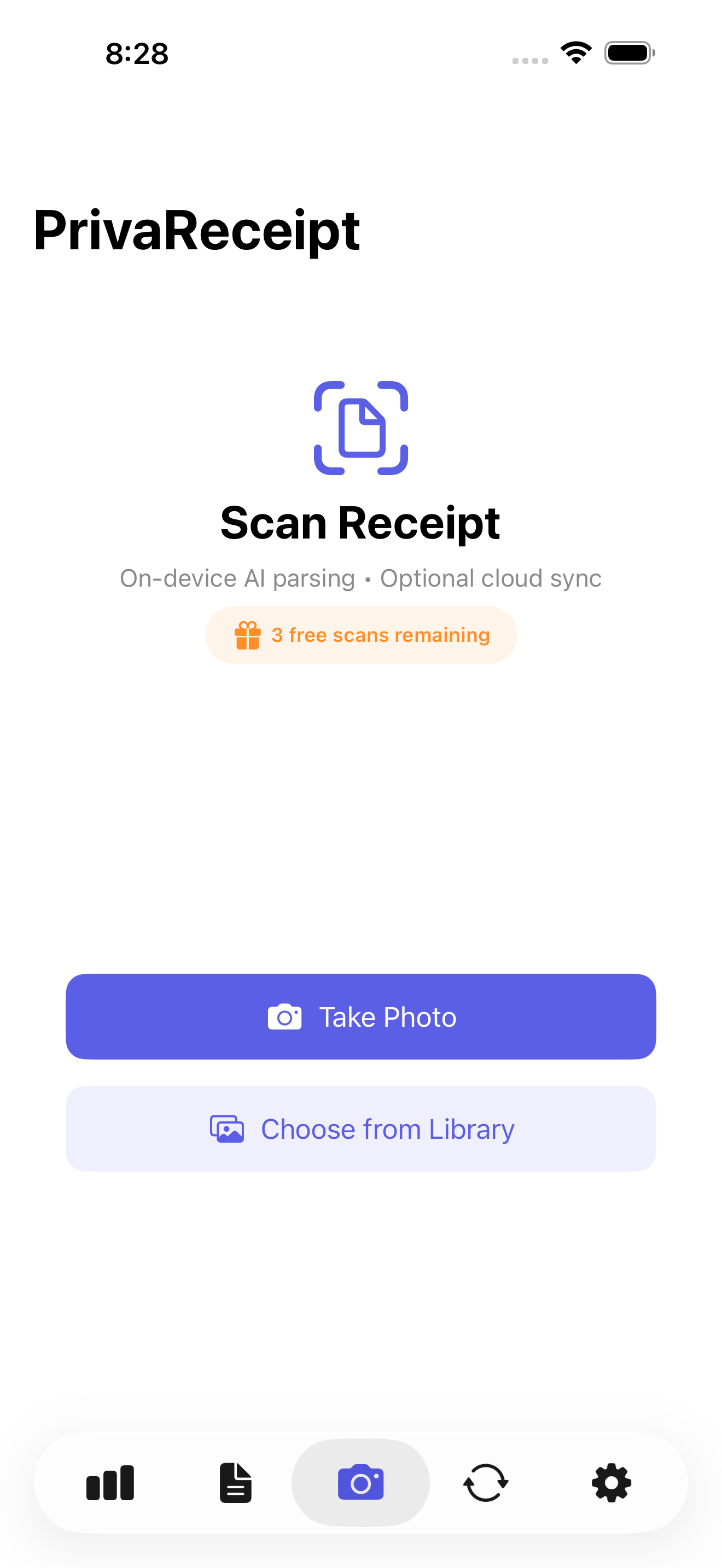
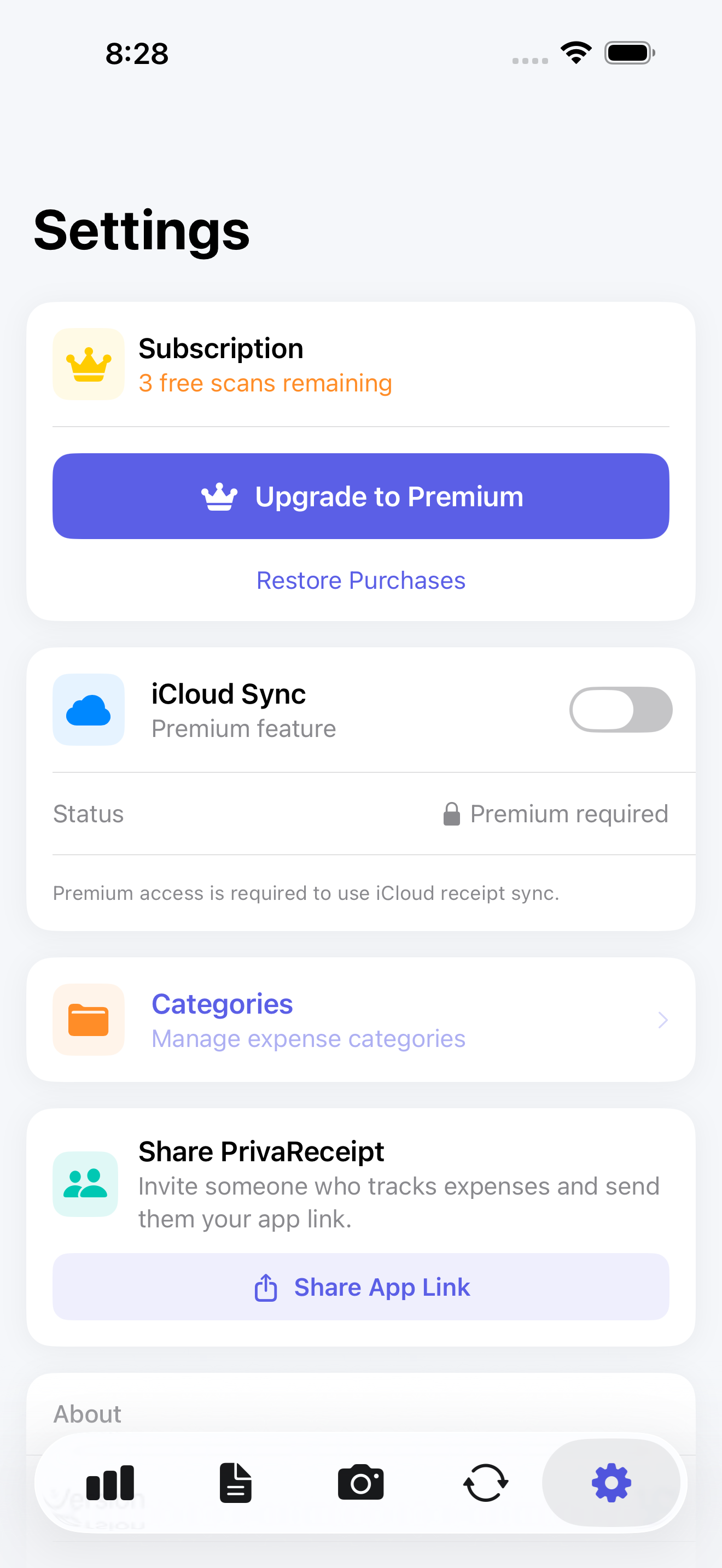
Begin scanning receipts without creating a PrivaReceipt account.
Data remains on your device unless you opt into cloud or third-party integrations.
Export CSV files for accounting, bookkeeping, or personal records.
Built to be affordable for individuals, sole traders, and small businesses.
If you want receipt records without mandatory account signup and with user-controlled sync choices, start with PrivaReceipt on iPhone.
No standalone PrivaReceipt account is required for local scanning and storage.
Yes. Export receipts and transaction fields to CSV for bookkeeping workflows.
Yes, Xero sync is available as an optional integration.